Scheduling a Medication Review from the Eligibility Prompt
If a patient is eligible for a medication review, a Patient Focused Services message will be displayed in the Patient Folder and in Rx Detail.
To schedule a medication review from the eligibility prompt:
- Search for and select an eligible patient.
- Select the Patient Focused Services prompt that displays at the bottom of the Patient Folder.

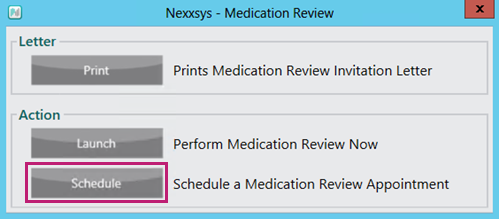
A Medication Review prompt appears. - Select Schedule.
A Medication Review window appears.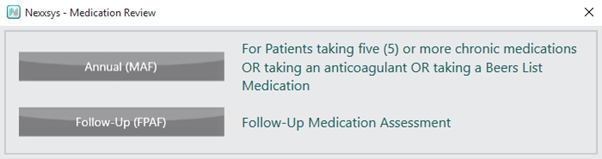
- Select the appropriate medication review type. The Activities window appears.
- Enter the following information:
- Scheduled Date
- Scheduled Time
- Assigned To
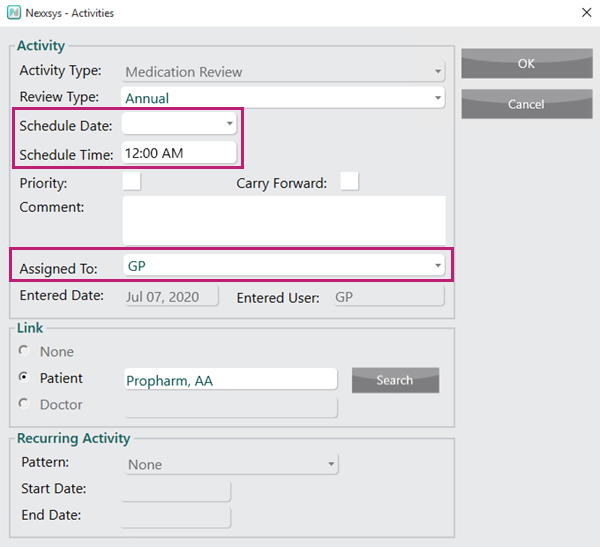
- Select OK. The activity is created and displays in More > Activities for the scheduled date.